
You Opened a CD With Marcus, Now What?
Sit back and watch your savings grow.
3 min read
 3 min read
Read More
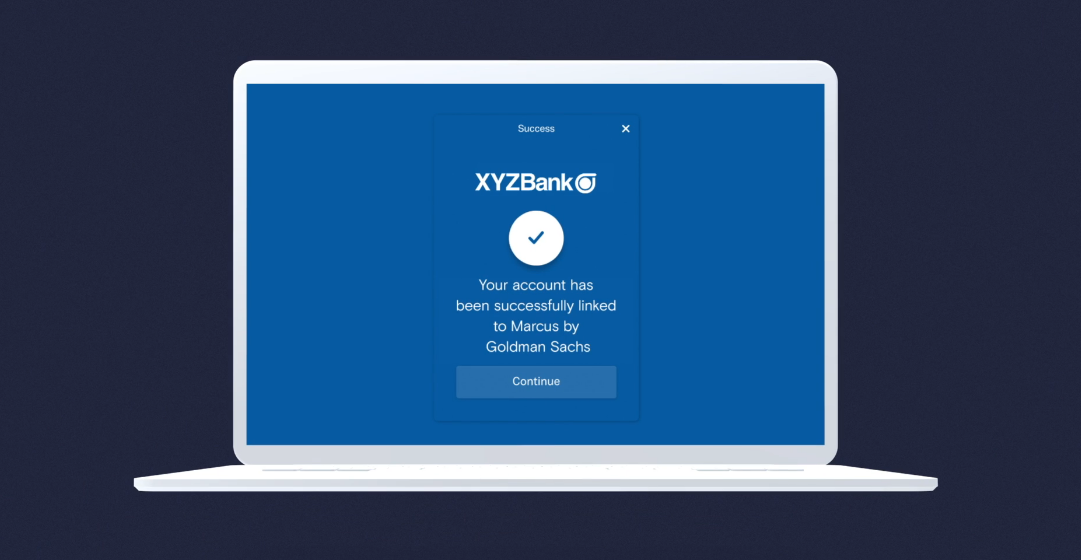
Linking an account you own at another bank makes it easier to transfer funds back and forth. Even better, you have the flexibility of easily doing it yourself, either by logging in at Marcus.com or from the Marcus app. That means you don’t have to call us to link any of your accounts – you can do it all on your own time with just the touch of your finger.
- Instantly link is fast: You’ll search for your external bank and log in with your credentials.
- Manually link could take up to three business days: You’ll need your account number and your external bank’s routing number. You will also need to confirm micro deposits we will credit to your external bank account.
You can find it on your external bank’s website. Or if you’re linking a checking account, it will be a nine-digit number at the bottom of your check.
You can link any accounts you own with a bank located in the US, US territories of Puerto Rico, US Virgin Islands or American Samoa, or in/on a US military base or US embassy.
Your linked account at another bank must be in your name and owned by you, individually or jointly; you must have full rights to the funds; and the account must not be a business or trust account.
Nope. No charge. Just easy linking.
This article is for informational purposes only and is not a substitute for individualized professional advice. Articles on this website were commissioned and approved by Marcus by Goldman Sachs®, but may not reflect the institutional opinions of The Goldman Sachs Group, Inc., Goldman Sachs Bank USA, Goldman Sachs & Co. LLC or any of their affiliates, subsidiaries or divisions. Information and opinions expressed in this article are as of the date of this material only and subject to change without notice. You are not permitted to publish, transmit, or otherwise reproduce this information, in whole or in part, in any format without the express written consent of Goldman Sachs. This foregoing restriction includes, without limitation, using, extracting, downloading or retrieving this information, in whole or in part, to train or finetune a machine learning or artificial intelligence system.
Join our Marcus social media community, where we share content and inspiration to help improve your financial health. See you there!


